
Top AI Tools for Content Creators
NovaEchoMedia Editorial
4 min read
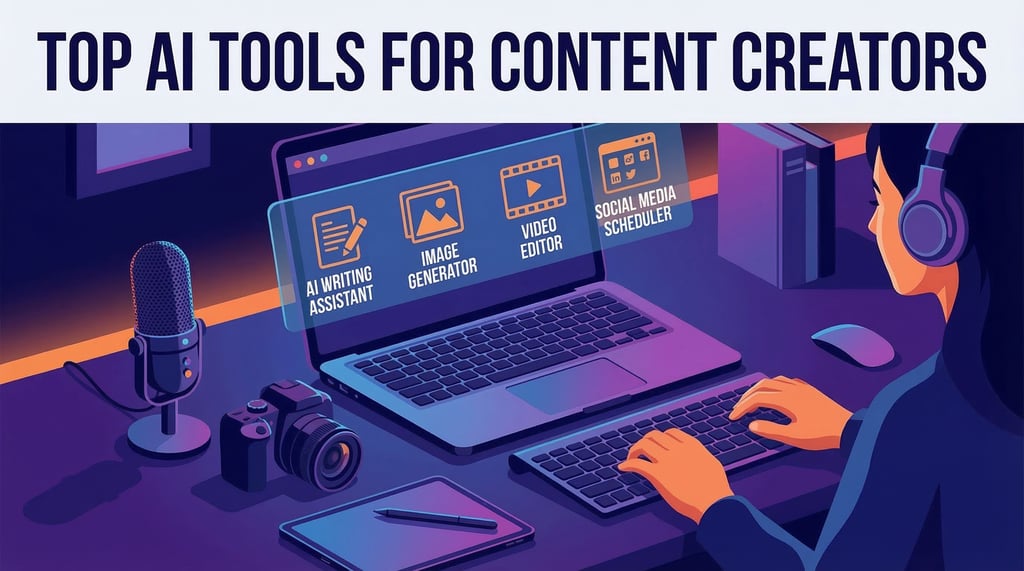

Content creators today rely heavily on AI tools to speed up production.
Here are some of the most popular AI tools used by creators.
Image Creation
Midjourney: widely considered the best for high-quality, artistic, and cinematic visuals. It operates primarily through Discord and is favored by creative professionals.
DALL·E 3 (by OpenAI): Integrated directly into ChatGPT, it is exceptional at following complex instructions and generating coherent text within images.
Adobe Firefly: Part of the Adobe Creative Cloud, it is designed for commercial safety and professional workflows, integrating seamlessly with Photoshop and Illustrator.
Canva Magic Media: A very beginner-friendly tool built into Canva’s design suite, making it easy to create an image and immediately use it in a presentation or social post.
Google Imagen 4 / ImageFX: Google’s latest models excel at photorealism and handling difficult details like human hands and textures.
FLUX.1: A newer, high-performance open-weight model known for its superior prompt adherence and ability to render text accurately.
Stable Diffusion: The go-to for open-source flexibility. It can be run locally on your own computer and offers the most customization for advanced users.
Ideogram: Specifically built to handle typography, making it the best choice for logos, posters, and designs where clear, readable text is a priority.
Zapier +12
Specialised & Emerging Tools
Leonardo.ai: Offers a powerful web interface with various fine-tuned models for gaming assets, character design, and architectural visuals.
Grok Imagine: Developed by xAI, this tool is known for its "uncensored" approach and fast, expressive results.
Freepik AI: A versatile platform that allows users to access and combine multiple AI models (like FLUX and Stable Diffusion) in one place.
Krea AI: Noted for its real-time generation capabilities and tools for upscaling and enhancing existing images.
Video Editing
Adobe Premiere Pro: The industry leader for both Windows and Mac. It features advanced AI tools like Generative Extend (powered by Adobe Firefly) to add frames or ambient sound, and Text-Based Editing to edit video by modifying a transcript.
Blackmagic DaVinci Resolve: Known as the gold standard for color grading. It offers a powerful free version that supports 4K exports, though some advanced effects require the one-time purchase "Studio" version.
Apple Final Cut Pro: Exclusive to Mac and iPad users, it is optimized for high-performance rendering on Apple hardware. It features a unique Magnetic Timeline that helps manage complex layers easily.
Quora +7
CapCut: Owned by ByteDance, it is highly integrated with TikTok and offers massive libraries of trending music, filters, and AI effects. It is widely considered the best choice for beginner-to-intermediate social media creators.
Descript: Revolutionized editing by allowing users to edit video like a text document. It automatically transcribes footage; deleting a word in the text removes that section of the video.
VEED.io: A browser-based suite focused on fast production. It includes AI tools for auto-subtitles, background removal, and even realistic AI avatars to read scripts.
OpusClip: A specialized AI tool that automatically extracts viral short-form clips from long-form videos (like podcasts) by identifying high-engagement moments.
VEED +4
Microsoft Clipchamp: The default editor for Windows, offering watermark-free exports at 1080p for free.
Apple iMovie: Pre-installed on Apple devices; simple, reliable, and great for basic projects.
Canva Video Editor: Ideal for those already using Canva for design, focusing on ready-made templates and drag-and-drop simplicity.
Audio Editing
Adobe Audition: Often called the "Photoshop of audio editing," it is the best overall tool for Windows and macOS. It features powerful multitrack functionality, spectral frequency displays for precise noise removal, and deep integration with Adobe Premiere Pro.
Avid Pro Tools: The long-standing professional staple used in studios worldwide. It offers industry-standard recording, editing, and mixing workflows.
Logic Pro X: A macOS-exclusive suite preferred by many producers for its massive collection of virtual instruments and spatial audio mixing capabilities.
FL Studio: Highly popular among DJs and electronic music producers for its fast, pattern-based workflow and powerful built-in mixer.
Zapier +5
Audacity: The most popular free, open-source multitrack audio editor. It supports high-quality 32-bit audio and a wide range of plugins (VST, AU, LADSPA).
WavePad: A versatile editor for Windows, Mac, and mobile. It is free for non-commercial home use and handles nearly any audio format.
MAGIX Sound Forge Audio Studio 17: A budget-friendly Windows editor perfect for digitizing vinyl, recording podcasts, and basic mastering.
ocenaudio: Best for free, single-track waveform editing with a clean, modern interface.
Audacity +5
Adobe Podcast AI: Features "Enhance Speech" to make voice recordings sound professional with one click and allows you to edit audio by editing a text transcript.
MyEdit: A browser-based AI editor that can remove vocals, isolate wind noise, and find a track's BPM without requiring any downloads.
VEED.io: An online editor that combines audio editing with video tools, including a one-click AI background noise remover.
AudioMass: A free, open-source, web-based waveform editor that runs entirely in your browser.
Design
Figma (UI/UX & Prototyping): The leading choice for interface design, known for real-time collaboration and a robust free tier with unlimited cloud storage.
Adobe Creative Cloud (Professional Suite):
Adobe Illustrator: The industry standard for vector-based graphics like logos and icons.
Adobe Photoshop: Unmatched for advanced photo editing and raster-based design.
Adobe InDesign: Best for complex layout designs like magazines and brochures.
Canva (All-in-One): Highly beginner-friendly with a massive library of templates for social media, presentations, and print products.
Affinity Designer (Vector Illustration): A powerful, budget-friendly alternative to Illustrator with a one-time purchase model.
Sketch (Mac-based Design): A focused vector tool for macOS, popular for website and mobile interface design.
Uizard: Generates UI designs from text prompts or hand-drawn sketches.
Adobe Firefly: Integrates directly with Photoshop and Illustrator to generate high-quality visuals from text.
Kittl: An AI-first platform for creators focusing on branding, merchandise, and vector generation.
Lollypop Design Studio +3
Isomars Multipurpose Gridding Triangle: A precision drafting tool for fashion designers and students.
Blushskin Professional 4-Piece Drafting Kit
: Includes armhole curves, L-squares, and French curves for garment construction.
JEFFY 39-Piece Tailoring Tool Kit: A comprehensive set including hip curve rulers and pattern drafting tools for professionals.
TOOOLS.design: A directory of over 2,000 resources, including icons, mockups, and podcasts for designers.
Awesome-Design-Tools (GitHub): A curated list of accessibility, animation, and collaboration tools.
These tools and much more to help creators produce high-quality content quickly.
Connect
Expert post-production for stunning visuals.
Contact
Join Our Newsletter
vikas@novaechomedia.com
+91-79774 48456
© 2025. All rights reserved.